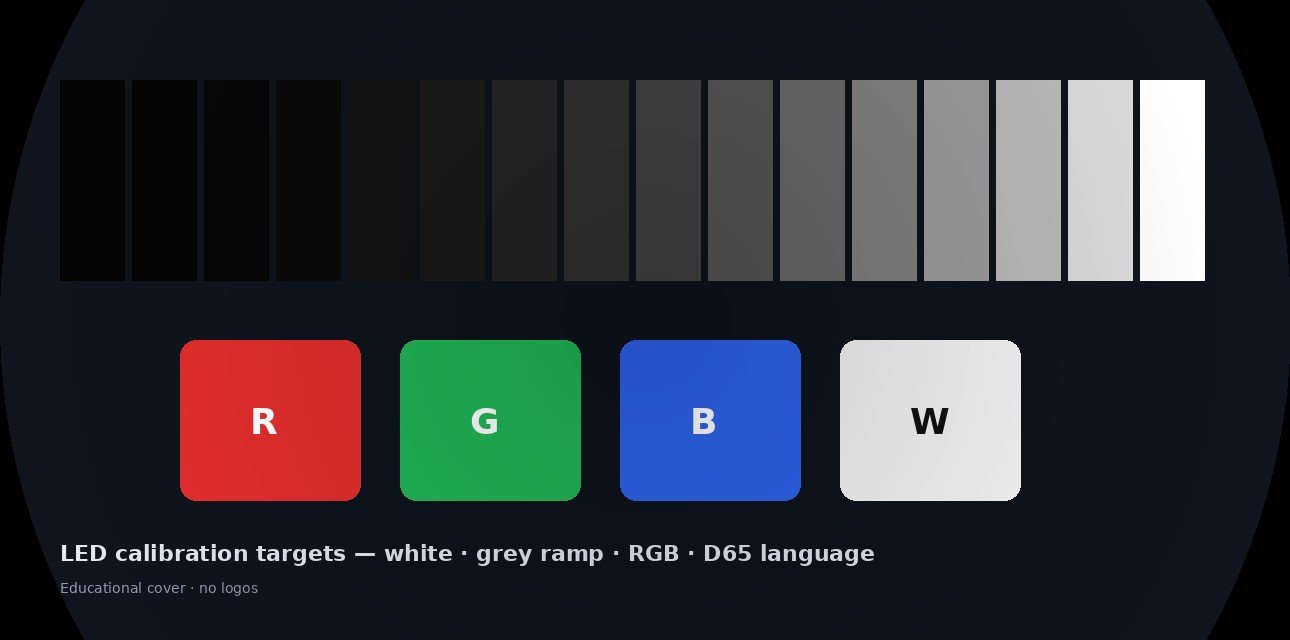
The quote says "factory calibrated." Procurement hears done. The hang crew hears patchwork: one cabinet cooler than its neighbour, a spare module that looks pink on camera, a grey ramp that bands near black.
Those outcomes are not always "bad LEDs." Often the wall never received written targets, a stable warm-up, or a coefficient backup that survives the first module swap. Calibration is the work that makes a wall behave like one canvas – not a crate of almost-matching tiles.
This post owns what to write on the RFQ before tools arrive: white point, gamma/EOTF, colour space, luminance target, method depth, warm-up, handover files, and how to restore picture after a spare install. Our live HDR vs SDR post owns HDR capability. Nits vs lumens owns units. Scan vs refresh vs frame rate owns timing / camera flicker. Spare parts & hot-swap owns what to stock. Here we answer the commissioning question buyers still ask after the first visible "patch."
Quick definitions (clear the name collision)
| Term | What it means | What it is not |
|---|---|---|
| Brightness / luminance calibration | Aligning how bright modules or pixels are so seams and hot spots disappear | Not the same as advertising a higher brochure nit number |
| White balance / white point | Making "white" land on an agreed chromaticity (commonly D65 ≈ 6500K) | Not a creative grade in the media player |
| Gamma / EOTF | How code values map to light – often ~2.2 general video or ~2.4 darker / broadcast-style rooms | Not refresh rate; not HDR automatically |
| Colour space target | The intended primaries / pipeline (often Rec.709 for HD video walls) | Not "more colourful = better" |
| Calibration coefficients | Correction data stored via the control system / receiving cards so the wall applies fixes in real time | Not a sticker on the crate |
| Cabinet-level vs pixel-level | Adjust whole cabinets/modules vs correct individual pixels | Not the same workload or camera criticality |
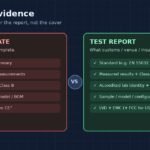
| Factory calibration | Module/cabinet matching done before ship | Not a finished on-site wall under your lighting and layout |
Industry language is blunt: factory cal starts the parts; on-site cal finishes the wall.
Why this question stays hot for buyers
2026 OEM decision guides still put calibration and handover next to pitch and brightness – because a wall that looks "almost fine" in the warehouse can fail acceptance after hang, especially when the room is bright, the content is corporate brand colour, or a camera is pointed at it.
Guides published and refreshed in 2026 keep repeating the same planning language: warm up 30-60 minutes, document D65, choose gamma 2.2 or 2.4, name a colour space and a luminance target, pick cabinet vs pixel depth for the job, and back up coefficients so a module swap does not reintroduce a patch. Integrator forums keep asking how to sync brightness, restore configs, and stop mismatched panels – the same anxiety that makes an honest RFQ table useful.
CN trade language stays durable: 亮度校正、白平衡、伽马、校正系数、逐点校正. LinkedIn OEM calibration explainers exist as buyer education. We treat them as existence signals, not engagement scores.
We are not inventing likes or views. Indexed 2026 calibration guides, durable CN 校正 language, and documented forum threads are enough heat for an honest OEM answer. Live Google PAA and social spike counts were not scraped this pass – so we do not invent them.
Honest target bands (write these before anyone opens a meter)
Use this as RFQ starting language, then tighten with your room, cameras, and content pipeline:
| Target | Common planning choice | Why it belongs on the PO |
|---|---|---|
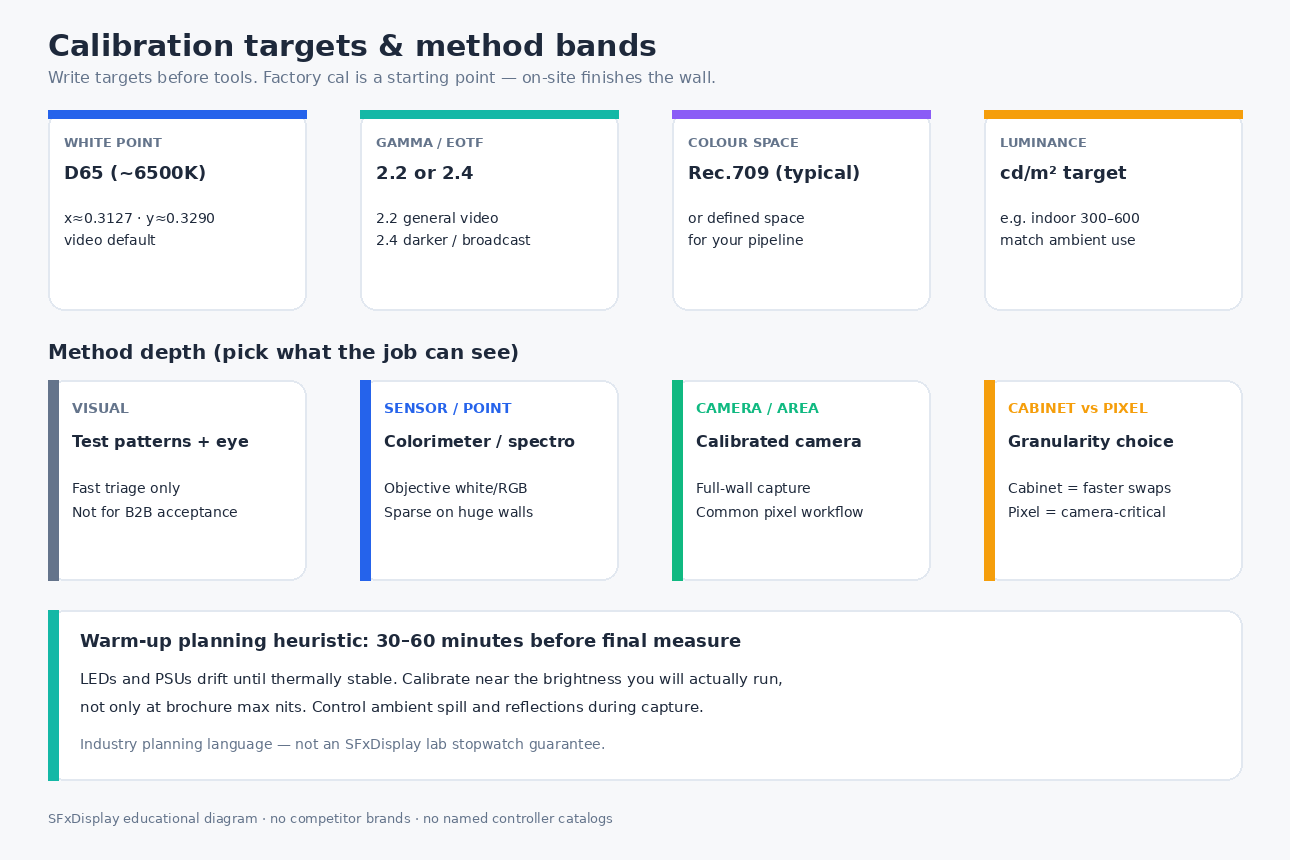
| White point | D65 (≈ 6500K; CIE x≈0.3127, y≈0.3290 in video contexts) | Stops "some cabinets look blue, some look yellow" |
| Gamma / EOTF | ~2.2 general video / corporate; ~2.4 darker rooms / many broadcast-style looks | Fixes muddy shadows or flat highlights when wrong |
| Colour space | Rec.709 for typical HD pipelines – or name your real pipeline | Prevents guessing between content and wall |
| Luminance | A cd/m2 target for the operating brightness (e.g. indoor planning often discussed around ~300-600 cd/m2; outdoor / semi-outdoor much higher) | Calibrating only at brochure max nits can miss how the wall actually runs |
| Warm-up | ≈ 30-60 minutes before final measure | LEDs and PSUs drift until thermally stable |
| Uniformity / colour difference | Agree tolerances that match the job (brand lobby ≠ casual foyer) | ΔE and % uniformity are project requirements, not brochure trophies |
Honesty rules:
- Factory calibrated ≠ acceptance complete. Transport, layout, ambient light, and mixed batches change the result.
- Targets before tools. A camera without a written D65 / gamma / nit target is expensive guessing.
- Calibrate near how you run. Control rooms and churches often run dimmer than outdoor rental peaks.
- Calibration can trim peak brightness. Matching to the dimmest honest area is normal – uniformity beats one hero pixel.
- Your pipeline beats our table. Virtual production / HDR workflows need their own space and EOTF – do not force Rec.709 language onto a different job.
Method bands: how deep is enough?
| Method | What it adjusts | Strengths | Trade-offs | Suited to |
|---|---|---|---|---|
| Visual / test patterns | Gross mismatches the eye can see | Fast triage after a swap | Not reproducible for B2B acceptance | First aid, temporary events |
| Sensor / point measure | White point and primaries at sample points | Objective meters; clear D65 language | Sparse on very large walls | Acceptance spots, reference checks |
| Camera / area measure | Full-wall capture -> coefficients | Scales to many pixels | Needs controlled light, access, skilled process | Large installs, camera-critical walls |
| Cabinet / module level | Whole tiles aligned | Faster; friendlier to rental swaps | May leave pixel mura in gradients | Touring / fast maintenance |
| Pixel level | Per-pixel (often sub-pixel) coefficients | Highest uniformity potential | More time, data discipline, environment control | Broadcast, VP, brand-critical installs |
A simple decision: if viewers (or cameras) will see tiny tile-to-tile or pixel-to-pixel differences, budget pixel-level work and a real handover. If the wall is short-duty rental and swaps happen every weekend, demand cabinet-level discipline + coefficient restore steps, not a brochure promise of "perfect."
After hang: a practical commissioning sequence
- Physical & map checks – alignment, power/data integrity, pixel map / addressing correct.
- Baseline processing – input formats, scaling behaviour, colour handling for your sources.
- Warm-up – run content or white near operating brightness for the agreed window (often 30-60 min).
- Measure & correct – chosen method; generate and apply coefficients through the control path / receiving cards.
- Backup – calibration database + controller/config files + a one-page restore note.
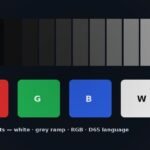
- Validate – white field, grey ramp, RGB solids, real content; camera check if the wall will be filmed.
- Handover – who owns recalibration triggers (drift, N module swaps, annual service).
Pair this with front vs rear service so acceptance covers how you reach modules and how you restore coefficients after you do.
After a module swap: why a "matched" spare still looks wrong
A technically correct spare can still look like a patch if:
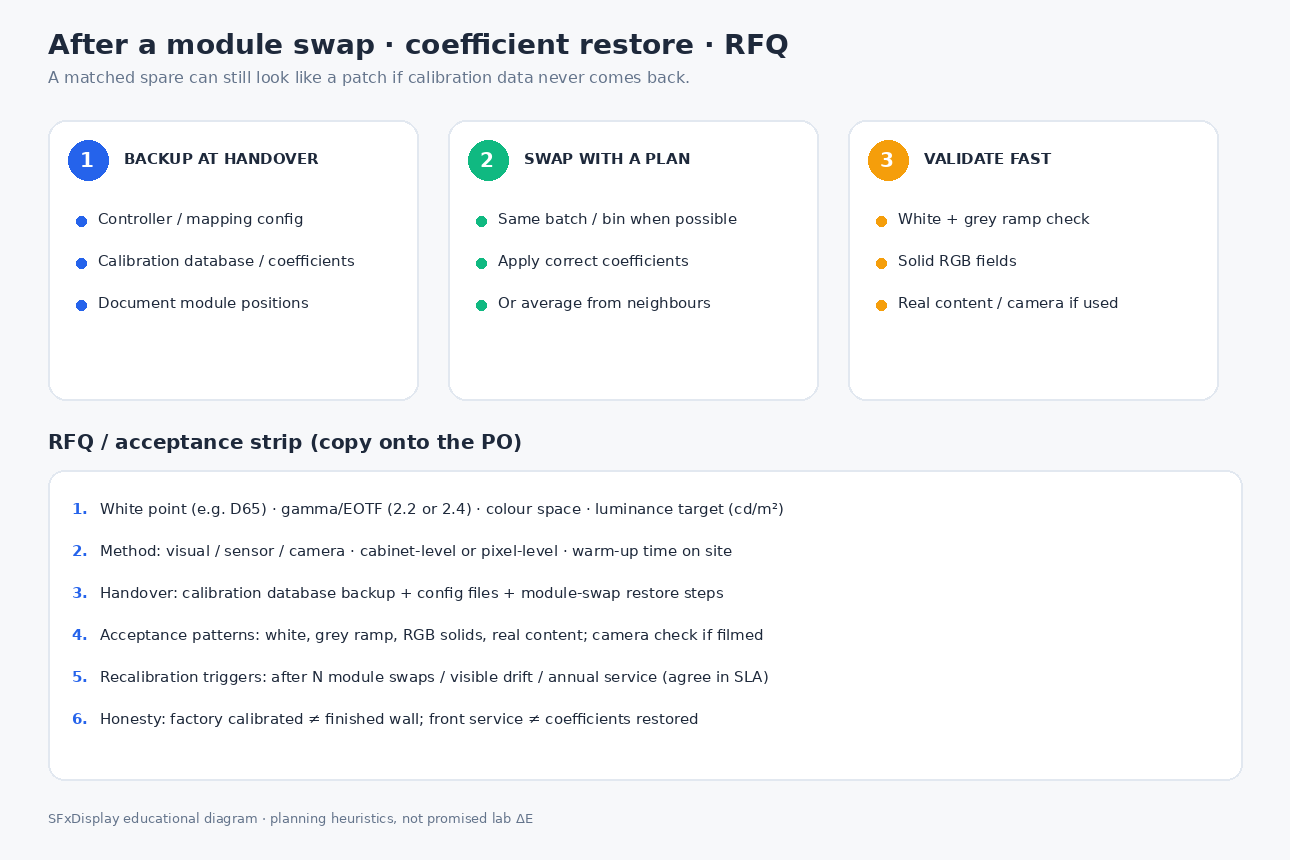
- The module is from a different batch / bin (white or brightness shift).
- Map / receiving-card config was not restored.
- Calibration coefficients were never backed up – or never re-applied to the replacement.
Practical restore language for the PO:
- Backup controller config + calibration database at ship and after each major rebuild.
- Document module positions and the restore steps for a single module or receiving-card swap.
- Prefer same-batch spares (see spare parts & hot-swap).
- After every spare install on a camera-critical wall: white + grey ramp + real clip – not only after the first hang.
When a lighter process is still honest
You do not always need full pixel-level camera calibration:
- Short corporate day with same-batch cabinets and a visual grey-ramp pass that stakeholders accept.
- One indoor wall with a local team who can return for a scheduled full cal after soft open.
- Events that can tolerate a masked tile for one night with a known next-day restore.
Lighter processes fail when brand colour is sacred, the wall is filmed constantly, batches are mixed, or nobody can find the coefficient files six months later. Then the "expensive" calibration day is cheaper than a permanent patch.
RFQ checklist (copy onto the PO)
Ask every supplier the same lines so quotes are comparable:
- Targets: white point (e.g. D65), gamma/EOTF (2.2 or 2.4), colour space, luminance target in cd/m2.
- Method: visual / sensor / camera; cabinet-level or pixel-level; on-site yes/no; warm-up time.
- Environment: ambient control, camera distance/angle, safety access for capture.
- Handover files: calibration database backup, controller/config files, module-swap restore procedure.
- Acceptance patterns: white, grey ramp, RGB solids, real content; camera check if filmed.
- Spares: same-batch modules + how coefficients are reapplied after swap (link inventory % to your spare-parts post).
- Recalibration triggers: after N swaps / visible drift / annual service – write into the support plan.
- Honesty line: factory calibrated is a start; name what is included on site vs optional.
Related reading (live SFxDisplay)
| Post | What it owns vs this article |
|---|---|
| HDR vs SDR | HDR capability / content class – not D65/gamma setup |
| Nits vs lumens | Brightness units |
| Scan vs refresh vs frame rate | Timing / camera flicker – sister to low-gray behaviour |
| Spare parts & hot-swap | What to stock – this post owns what to restore after the swap |
| Front vs rear service | Access route to modules/cards |
| Peak vs average power | Electrical planning – different from picture targets |
| How to choose | Broad selection framing |
| Rental series | Product starting point after acceptance language is clear |
SFxDisplay honest boundary
We build and quote LED cabinets for buyers who need walls that survive acceptance and the first spare install, not brochure poetry. We will put targets, method depth, warm-up, and coefficient handover on the conversation when you ask. We will not invent a universal ΔE for your room, camera, or content. We will not call "factory calibrated" a finished on-site wall. We will not name controller product catalogs as if one brand were required – coefficients live in your control path; write the backup/restore obligation either way. If the wall will be filmed or carries brand colour, say so early – that changes method depth more than it changes the pitch number.
Browse how to choose an LED display and rental series, then paste the checklist onto the PO.
Bottom line
Calibration is how a wall becomes one picture. Write D65 (or your white point), gamma 2.2/2.4, colour space, and luminance before anyone measures. Warm up honestly (≈ 30-60 min as a planning heuristic), pick cabinet vs pixel depth for what the job can see, and treat coefficient backup + module-swap restore as CapEx – next to spare parts and front vs rear service. Factory cal starts the parts; on-site targets and handover finish the wall.
—