
LED screen moiré and refresh rate get blamed for the same bad still: a wall that looked fine in the room and looks striped, rolling, or wavy on camera. They are related but not the same problem. Moiré is a spatial sampling fight between the pixel grid and the camera sensor. Refresh / scan is a temporal fight between how the LEDs are driven and the camera shutter. Church livestreams and concert IMAG hit both at once.
This is a spec and setup note, not a repair manual. For cleaning and module swaps, use the maintenance guide. For cabinets built to be shot, start with rental LED screens at high refresh.
Why a camera sees a pattern you do not
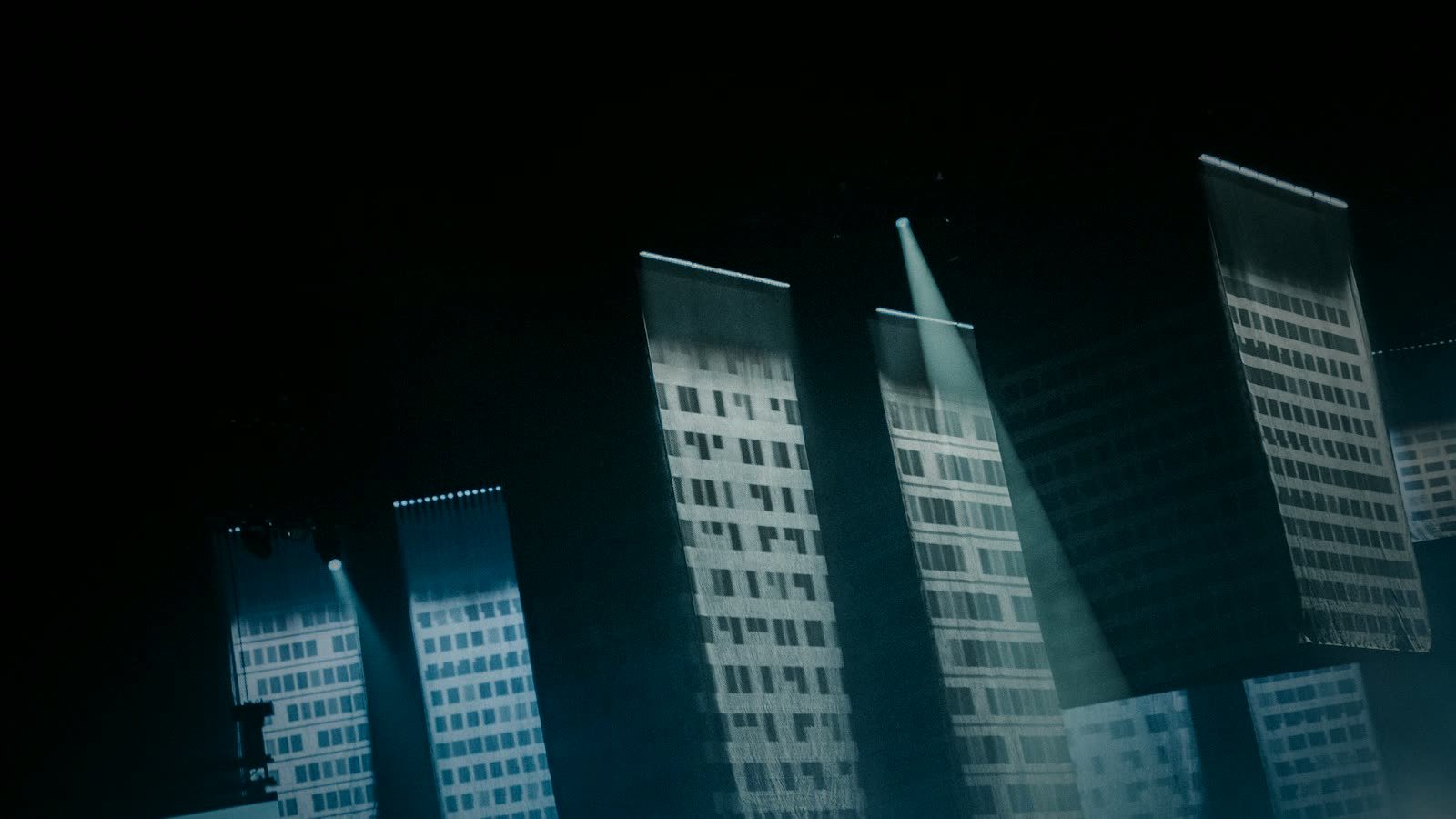
An LED wall is a lattice of discrete diodes with dark gaps (the mask). Your eye integrates that lattice at normal viewing distances. A camera does not. It samples the scene with its own lattice (photosites) through a lens that can focus on the mask.
When those lattices go in and out of alignment, you get moiré: bands or a crawling texture that moves with camera or zoom. Photographing a window screen is the same class of artifact.
What makes it worse:
- Tight pitch vs tight lens. A close IMAG shot of a P2.6 wall can moiré more than a wide shot of a P3.91 backdrop, because the lens is resolving the mask.
- Distance. There is often a band of distances where the grids beat against each other. Moving the camera a meter, or changing zoom, can help more than changing a menu.
- Angle (off-axis). Shooting from the wing or from the floor compresses the vertical pixel spacing and can introduce or hide the pattern. Churches that put a camera in the balcony and one on the floor will not see the same artifact.
- Sharp lenses and high-detail sensors. A 4K camera with a good lens is more willing to show the grid than an older HD box.
Hardware can reduce the contrast of the grid (mask design, GOB, some COB surfaces) but it cannot repeal sampling. Anyone who promises “zero moiré at any distance” is selling a still photograph from one sweet spot.
Refresh rate: 3840 Hz vs 7680 Hz
Separately, LEDs are scanned. The wall rebuilds the image many times per second. Datasheets call this refresh rate. It is not the 50/60 Hz video frame rate, and it is not shutter speed.
If refresh is low relative to the shutter, the camera captures the wall mid-scan: dark bands, flicker, or a rolling bar that the congregation does not see.
Rounded practice, not a lab paper:
| Refresh (typical ask) | What it is for |
|---|---|
| ~1920 Hz | Static indoor signage, eyes only. Easy to flicker on camera. |
| 3840 Hz | Common event and church floor. Works with many 1/60–1/120 shutters if the wall is mapped cleanly. |
| 7680 Hz | Concert IMAG, worship livestream, rental inventories that will be hired next to cameras. More margin when directors change shutter without telling you. |
SFxDisplay rental cabinets are built with a 7680 Hz refresh option on the sheet because that is the ask when cameras are in the brief. Higher Hertz is not a brightness upgrade and it does not delete moiré. It reduces scan artifacts. You can still moiré a 7680 Hz wall with a long lens on the mask.
If the budget only allows 3840 Hz, say so and lock the camera shutter and frame rate in the same document. Do not leave “the operator will fix it on the day” as the spec.
Low gray matters as well. A wall dimmed for a dark ballad can show banding that full-white test patterns hide. Ask for a low-brightness camera test, not only a 100% white slide.
Shutter, frame rate, and off-axis shooting
Most remaining “flicker only on the stream” tickets are shutter and angle.
- Shutter. 1/60 on a 60 Hz production can alias with LED scan. Many IMAG operators run 1/100 or 1/120 as a starting point; some lock to 1/50 in PAL regions. There is no universal number. Do a line-up with the actual wall.
- Frame rate. Mix a 24 fps cinema camera with a 60 Hz wall and you invent a new problem. For worship and concerts, pick one production frame rate and stick to it.
- Off-axis. A camera 40° off the wall sees a different pixel fill. Side IMAG cameras need the same refresh spec plus a check at that angle. Moving the camera slightly is often the moiré “fix” no menu provides.
Do not shoot test patterns only from FOH. Walk the actual camera plots.
Church livestream and concert IMAG
Two rooms, same physics, different politics.
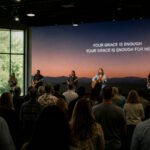
Church. House lights stay up for faces. Moiré shows up on high-contrast lyrics and when a camera punches in on the wall. Spec P2.6–P2.9 for most sanctuaries (not P1.5 — tighter grids can moiré more on a long lens), 3840 Hz minimum, 7680 Hz if the stream matters, and a dimming range that stays clean. Test from balcony and floor.
Concert. Outdoor P3.91 at 7680 Hz is the usual rental ask. Pit and wing cameras are off-axis by design — use soundcheck to move those heads until the grid calms down. Fine parallel graphics and tiny type will moiré even on a well-spec’d wall; art can help when hardware cannot.
In both rooms, a wall bought as “indoor signage, 1920 Hz” will look like a defect on Sunday or on show day. It is a purchase miss.
What to change on site vs what to spec at purchase
On site (no hardware change):
- Move camera, zoom, or focus plane a small amount.
- Change shutter; avoid auto shutter.
- Soften the lens a touch if the shot allows.
- Avoid filming the wall with another grid (LED + a second LED in the same shot, or LED through a mesh).
- Lower detail enhancement / sharpening in the camera.
At purchase:
- Refresh: 3840 Hz floor, 7680 Hz when cameras are committed.
- Pitch matched to viewing distance — finer is not automatically more camera-safe.
- Mask / GOB / surface that reduces grid contrast if the wall will be shot tight.
- A spare module from the same bin so a repair does not become a color patch on IMAG.
If you are hiring or buying touring cabinets, put “cameras will shoot this wall” on the first email. Rental LED screens in P3.91 / 2.9 / 2.6 with high refresh are the package meant for that sentence.
FAQ
Is moiré a dead module? No. Dead pixels are stuck dots. Moiré moves with camera and zoom. See the maintenance guide for actual faults.
Will 7680 Hz remove moiré? No. It helps scan flicker. Moiré is geometry. You still need distance, angle, and sometimes a different pitch or mask.
Why is the wall fine in the room and bad on YouTube? The congregation is not sampling through a 4K sensor and a 1/120 shutter. The stream is.
Can we fix it in the processor? You can change brightness, gamma, and sometimes a camera mode. You cannot process away a lattice-on-lattice pattern. Move the camera or change the lens first.
Spec the wall the cameras will actually shoot
Send a camera plot (even a floor-plan sketch), indoor vs outdoor, and whether the job is worship IMAG or concert hire. We will recommend pitch and a 3840/7680 Hz package on rental cabinets. Contact SFxDisplay.