A rental quote that says 7680Hz still ends up with black bars on the IMAG feed. That is not a camera problem. The brochure number and the light the sensor sees are often two different things.
This is not a “higher Hertz always wins” post. It is about what a phone, a PTZ, and a cinema camera actually record, how factories manufacture a 7680Hz line on the spec sheet, and what to write on the purchase order so you are not paying for a peak that only exists at full white.
Refresh rate is not the same as TV 60Hz
On a TV, 60Hz means the whole frame is drawn 60 times a second. On an LED wall, refresh rate is PWM: each LED is switched on and off thousands of times a second to make brightness. Content still runs at 24, 25, 30, or 60 fps. The Hertz on the datasheet is how often that PWM cycle repeats.
Cameras do not “see Hertz.” They see a shutter that is open for a slice of time. If the wall is mid-scan or mid-PWM while the shutter is open, you get black scan lines, rolling bands, or a dirty gray. That is why a wall that looks fine to the audience can look broken on camera.
What 3840Hz and 7680Hz actually buy you on camera
Treat these as starting points, not guarantees. Scan ratio and genlock change the result more than the headline number.
| Job | Typical shutter | Usually enough | When 7680Hz is the real ask |
|---|---|---|---|
| Audience eyes only (no camera) | — | 1920–3840Hz | Rarely |
| Phone / social recap, 1/50–1/120 | Slow | Honest 3840Hz | Almost never |
| IMAG / PTZ / live stream, 1/250–1/500 | Medium | Honest 3840Hz with a decent scan | Fast shutter, dark content |
| Cinema / broadcast, 1/48–1/60 with a 180° shutter | Slow, but picky | 3840Hz plus genlock | High-speed action, 1/1000+ |
| XR / virtual production | Locked to camera | Not 3840Hz on paper | Real 7680Hz, genlock, grayscale kept |
A phone at 1/60 is easy. A cinema camera at 1/1000 on a dark stage is not. If the show is mostly phones in the crowd, a real 3840Hz wall beats a fake 7680Hz wall. If a director is shooting 120 fps or lighting an LED volume, 3840Hz on the brochure is the wrong conversation.
Three ways the 7680Hz number gets faked
These are the tricks that show up on factory quotes. None of them need a competitor name. You will see them on the PDF.
1. Measured only at 100% white. Peak refresh is taken on a full-white test pattern. Concert and worship content lives in mid and low gray. A wall that holds 7680Hz at full white can fall to 1920–2880Hz at 10% gray. Dark content is exactly when cameras start to show bands.
2. “High-brush” mode that throws away grayscale. Driver ICs have a budget: clock speed is split between how many PWM cycles and how many brightness steps. Push refresh to 7680Hz and 16-bit gray (65,536 steps) often becomes 12-bit or 10-bit. Gradients band. Skin and night skies look cheap. For camera work, stable 3840Hz at 14–16 bit is cleaner than 7680Hz at 10–12 bit.
3. The spec hides the scan ratio. A multiplexed module does not light every row at once. Effective scan frequency is roughly refresh divided by the scan groups. A 7680Hz panel at 1/32 scan can behave on camera like a 3840Hz panel at 1/16 scan. Both land near the same effective frequency. A static or 1/8 scan at 3840Hz can look cleaner than a 1/32 scan at 7680Hz. A datasheet that lists Hertz and nothing about scan is incomplete.
A fourth, quieter version: the receiving card is capable of 7680Hz, and that is what gets printed. The file you actually load on site is 1920 or 3840 because grayscale, brightness, or cable bandwidth would not hold. Ask for the config that ships, not the IC’s marketing ceiling.
Genlock beats a bigger Hertz number
Scan lines are a timing mismatch. The camera shutter and the LED scan are not locked. Raising Hertz makes the bars finer and easier to miss. It does not make them go away if the two clocks drift.
Genlock (or frame-lock) ties the wall to the camera. For broadcast, IMAG with a house camera package, and XR, that lock matters more than jumping from 3840 to 7680 on a PDF. If the vendor cannot tell you whether the controller genlocks, the Hertz line is decoration.
What to put on the PO (and how to test it in 10 minutes)
Do not accept “refresh rate: 7680Hz” as a single cell.
Write this instead:
- Refresh at 100% / 50% / 10% gray, at the brightness you will actually run, not a lab peak.
- Grayscale bit depth at that refresh (ask for 14-bit or 16-bit, and say high-brush mode that drops bits is not acceptable unless you signed off).
- Scan ratio (1/8, 1/16, 1/32, or static).
- Driver IC family, and a camera clip — not a screenshot of software.
- If cameras are on the show: genlock yes/no, and which controller.
On-site, you do not need a lab. Put a camera on a tripod, shoot a mid-gray and a dark gradient, then run the shutter up: 1/60, 1/250, 1/500, 1/1000. Look for rolling bars, not “does it look bright.” A phone slow-mo is a useful first pass. A cinema body at 1/1000 is the real one. If bars appear at 1/250 already, the 7680Hz line is not doing the job you paid for.
When 7680Hz is real, and when to stop paying for it
Pay for real 7680Hz when:
- The wall is on camera as the product (broadcast, tour IMAG that must survive 1/500–1/1000, LED volumes).
- The vendor will put refresh + grayscale + scan in the contract, not only Hertz.
- You get a camera test at the grayscale you actually run.
Stop paying for it when:
- The room is conferences, houses of worship without a cinema package, or social recap on phones.
- The 7680Hz is only in high-brush mode, or only at full white.
- Nobody can name the scan ratio.
For most rental and install jobs that will be filmed, honest 3840Hz with grayscale kept and a camera test is the adult spec. 7680Hz is a tool for a specific shutter and a specific lock — not a trophy number.
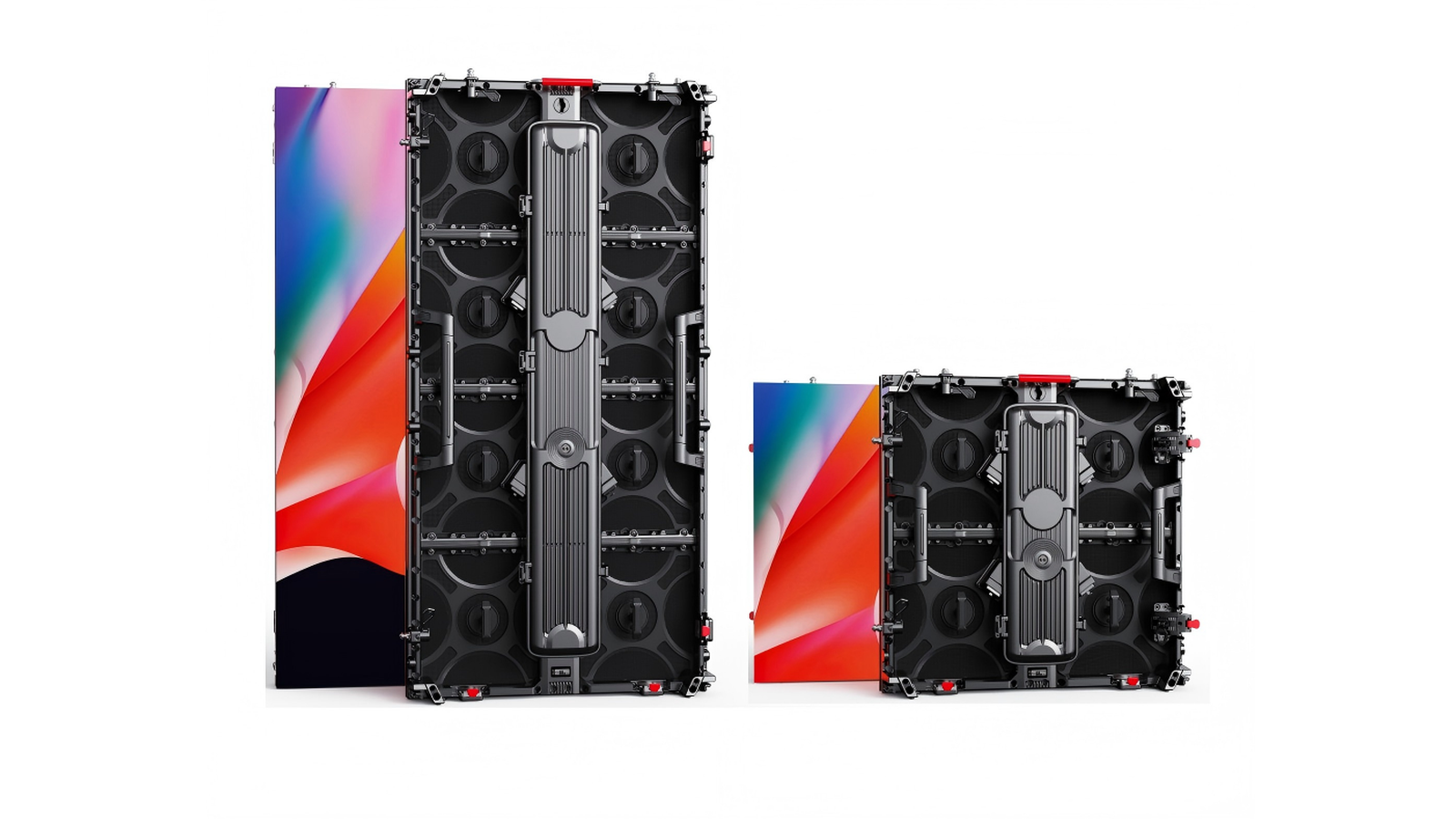
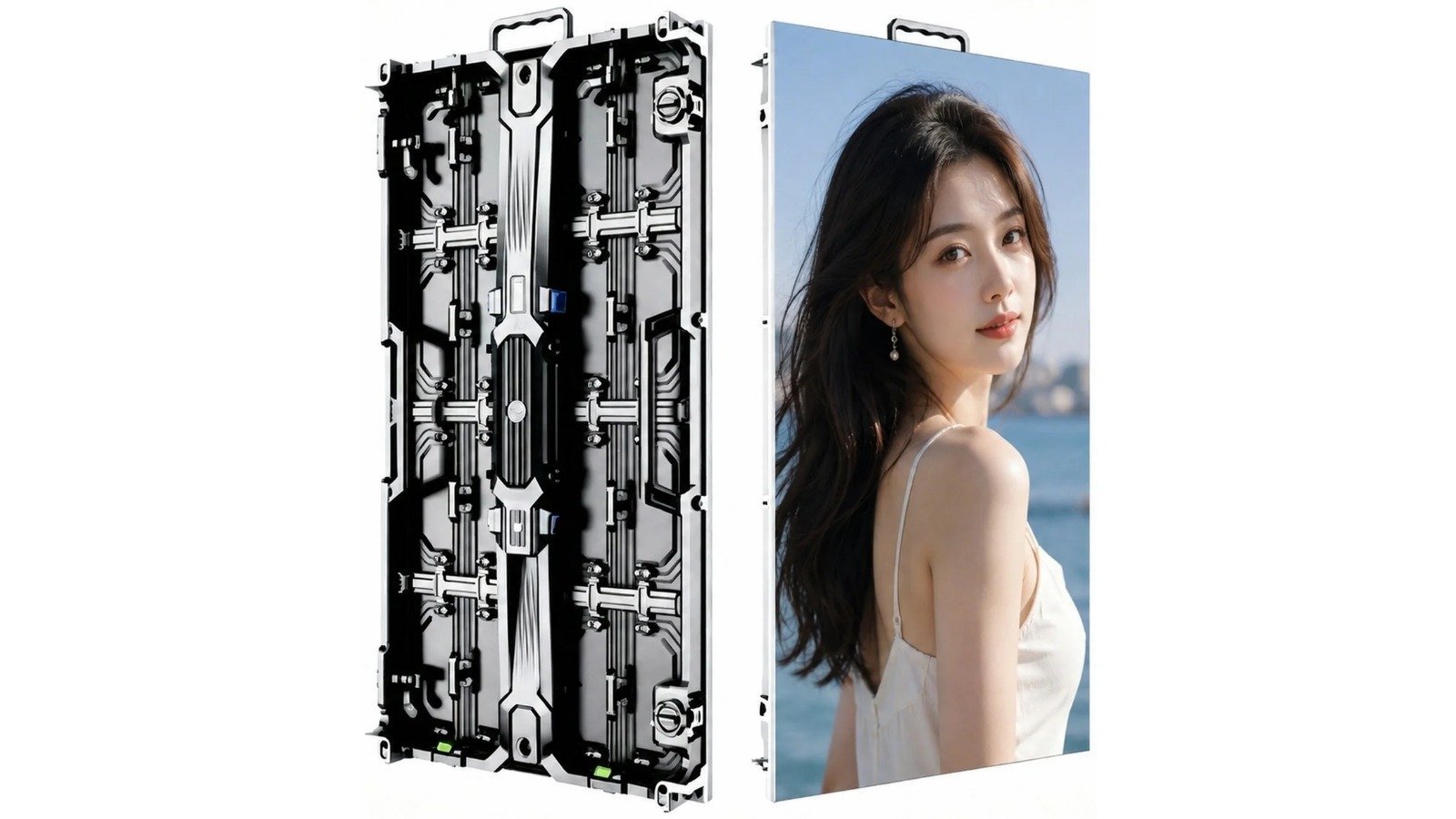
SFxDisplay rental cabinets are specified at 7680Hz for touring and IMAG. That number only means something if it still holds on dark content, with grayscale intact. Ask for the camera clip with the quote. If you are choosing pitch for a rental wall, start with P2.6 vs P2.9 vs P3.91 and then lock refresh the way you lock pixel pitch: in writing, at the gray you will actually show.
Need a wall that has to survive cameras, not just a brochure? Talk to us with the shutter speeds on the shot list. We will spec refresh, scan, and genlock for that job — or tell you 3840Hz is enough.